Sales Enablement Content: Build A Video Library That Closes Deals

Ever had a prospect turn quiet after a meeting that went smoothly, only to find out the real decision happened in a meeting you weren't invited to? That's when your sales enablement content matters most.
It's the demo video you sent after the call, the customer story your champion forwarded to their boss, the short video that explained your pricing and offering better than any PDF.
And when you're not in the room (which is most of the deal), your content is doing the selling for you.
But of course, getting it right is harder than it looks, so we asked the people who do it regularly. In November 2026, our team surveyed 100 B2B sales and account management leaders about the videos they send and which ones help them close.
What they told us shapes everything below: what goes into a sales enablement content library, which videos actually help you close, and how to build one without starting from scratch. And if you want the results of the study, check out our Video for Sales insight.
Now, let’s begin with the fundamentals.
What is sales enablement content?
Sales enablement content is anything your sales team uses to move a buyer through a deal. That includes product demos, customer stories, explainer videos, pitch decks, one-pagers and case studies.
It also covers internal material, like playbooks and product training that help your reps sell (the stuff buyers never see). Sales collateral is the buyer-facing part, the things your reps actually send.
So what's in a typical sales kit right now? Here's what the teams in our survey send to prospects.
Video is the most-sent type of sales content: 91%
Share of 100 teams that send each type to prospects, several answers allowed
Video comes out on top, yet for nearly half of these teams (48%) it's still less than a quarter of what they send. So the real question is which video.
The most used sales video is the least effective
So is everyone happy with all their videos? Not quite. We asked which types teams use, and how much each one helps them close:
The most used sales video gets the weakest results
Share of the 100 teams that use each video type, and of each type's users who say it helps a lot to close deals
- Teams using this type
- Say it helps a lot to close deals
- Quick recordings73%45%
- Recorded product demos66%71%
- Customer story videos52%81%
- Explainer videos51%65%
- Prospect-specific videos45%84%
- Animated product demos42%60%
Quick recordings are the most common sales video in our survey (we've all sent a quick Loom). They're also rated lowest for closing: only 45% of the teams using them say they help a lot.
The highest rated are videos made for one specific prospect (84%) and customer stories (81%). Yet when asked which type they'd keep if they could only have one, customer stories came dead last, probably because they take the most effort to make.
In other words, teams stick with the video that's easiest to make, not the one that works best. A library fixes that by giving each stage of the deal the video it actually needs.
Types of sales enablement content every library needs
So what actually goes into a sales enablement content library? Here are the formats we see most often in deals.
Animated product demo videos

A product demo video shows your product in action. Two in three teams in our survey use one, mostly to explain how their product works.
Most teams start with a simple screen recording, which can end up showing more than you'd like (loading screens, cluttered menus, test data). An animated product demo only shows what matters, at a pace buyers can follow, and it's much easier to update when your UI changes.
And it doesn't need to be long. As one sales leader in our survey found:
"We made a very quick product demo with snappy motion and tight typography. It was enough to sway an indecisive client."
A short, focused demo like that is often all a buyer needs to get it. And if you’re already planning one of your own, I’d suggest you to read our article on product demo video best practices and look at these examples of product demo videos that convert.
Customer story and testimonial videos

A customer testimonial video or case study video answers the question every buyer asks eventually: "Will this actually work for a company like ours?"
81% of the teams using them say they help a lot, making customer stories one of the strongest closers in the whole library. Nothing reassures a cautious buyer like watching a company in their own shoes get results (no offense to your rep).
The hard part is the production: getting your customer on camera, shaping their story, and making it look as good as the results sound. That's exactly what we do, so take a look at our case study videos and testimonial videos.
Explainer videos
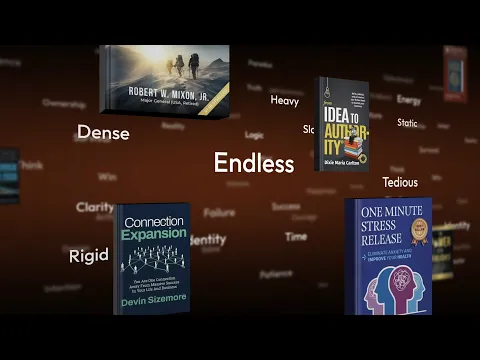
The explainer is your "what is this, and why should I care?" video, and it's often the first thing a buyer watches. Half the teams we asked use one, and 65% say it helps a lot.
Get it right and every conversation after it starts from understanding, not confusion. It's also the video clients come to us for most, so take a look at our explainer video services.
Not sure whether you need an explainer or a demo first? We've broken down when to make an explainer video vs a demo video.
Prospect-specific videos
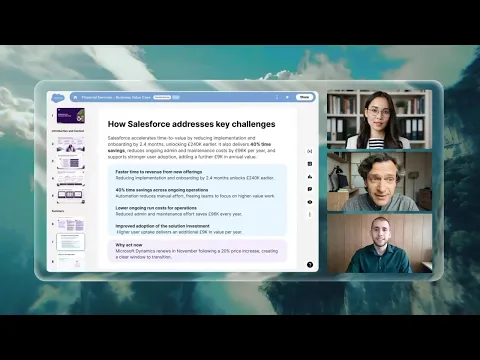
This is a personalized sales video made for one account. It might be a tailored demo, or a video proposal built around their problem, their numbers and their rollout.
Fewer than half of teams make them (45%). But 84% of those that do say they help a lot, and 89% use them to close.
The catch is speed. Of teams that tailor videos, 68% need one ready within a week, and 36% within one or two days.
Symbe, the client behind the video above, came to us with a proposal going to Salesforce and Slack and wanted a video made for that one deal. It's since grown into a whole set of sales content.
Quick recordings (Loom, Vidyard)

The webcam or screen recording a rep makes between calls. They're the most common format (73%), mostly used to get a prospect's attention.
They're fine for a quick hello or a follow-up. But they're also rated lowest for closing (45%), so save the closing for the formats above.
Beyond Video: Decks, One-Pagers And Case Studies
Not all sales collateral is video. Most of the teams we asked also send PDFs or one-pagers (75%), slide decks (71%) and written case studies (51%).
Some buyers simply prefer reading (you probably know a few). A good library covers them too, in the same look and the same story as your videos.
For one of our clients, we designed the pitch deck for a deal worth hundreds of millions (NDAs, so we can't name either side). A buyer sees your deck, one-pager and video in the same week, so they need to feel like one story.
Want to go deeper on the non-video side? Our guide to B2B sales collateral covers what to include and how to make it work.
Which Sales Video To Send At Each Stage Of The Deal
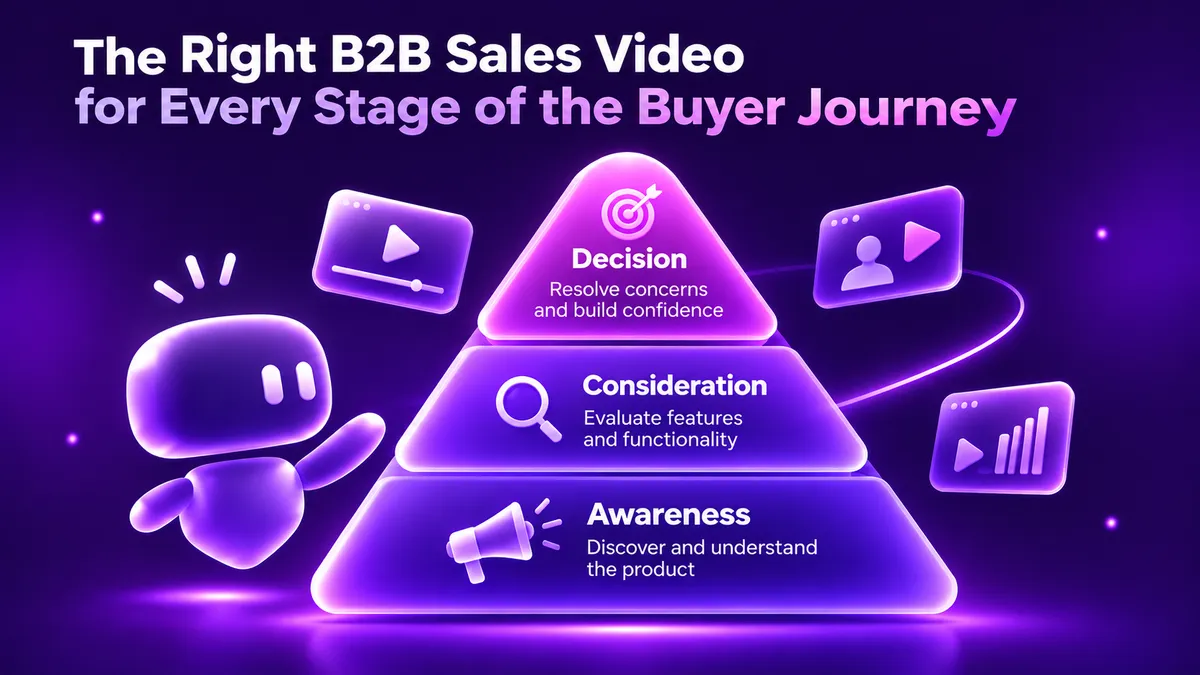
Each format has its own moment in the deal. Here's roughly how a sales video library maps out:
Don't forget the last row. For ClickUp, we made short onboarding videos that pop up in the app and show what each feature does.
Then think about who's watching. Forrester's 2026 research puts the average B2B purchase at 13 people, and 75% of the leaders we surveyed said video is easier to share with other decision makers.
So assume it gets forwarded, and make every video make sense to someone who never heard your pitch.
How To Build A Sales Video Library As A System
Good news first: your reps aren't the problem. Only 3% of leaders said reps ignore the videos they have. The real blockers are cost (63%) and time (60%).
So plan the whole set before you make any of it, instead of briefing five separate projects. Gartner's March 2026 research says the same: build content as modular building blocks.
Start with a design kit (colors, fonts, product shots, motion) and a script spine (the few lines about the problem, product and proof). Every new video then becomes a re-edit, which makes a one-week deadline realistic.
It's how teams want to work, too: 40% would prefer agency-built templates their own team fills in, versus 15% who want an agency to make every video.
Variety helps too. Teams using four or more types of video were more likely to rate video 8 out of 10 or higher (67% vs 39%).
What Does A Sales Video Library Cost?
Now for the question you've probably been waiting for. 64% of the teams we surveyed spend $2,000 to $25,000 a year on professionally made sales video, and 66% expect that to grow.
For context, a single 60-second explainer video costs $8,746 on average, according to an analysis of 110 real quotes from studios and freelancers. That's for one video, made for one moment.
We offer a complete, modular sales video library for $15,000 (less than the price of two one-off videos), built from one design kit so your team can keep re-cutting videos for each deal.
Need a team to manage and update your library, and be ready whenever a new deal needs a video? That's what our subscription is for: a reliable creative team on call, without hiring one in-house.
Every package is customizable, so the final scope depends on what your deals need. Get in touch for a quote, or try our video cost calculator for a rough number first.
Every Library Starts With One Video
A sales video library doesn't have to start as a big plan from the get-go. Most start with one video, made for one buyer who needs to understand what they're being offered.
Start small. Ask your reps what they sent prospects last month, then make three assets first: a prospect-specific video, a customer story and a product demo.
Build them from a design kit and script spine you can reuse, then add the next video each time a deal shows you a gap.
Before long, you'll have a library that keeps selling long after your reps hang up the call.
Got a deal that could use a video right now? Not sure if we're the right fit? Get a free custom sample from us and see for yourself, no strings attached. Rather talk it through first? Book a call with our team and we'll help you work out where to start.
FAQ

Bramuda
Bramuda is a creative strategist at Motion The Agency, where he writes compelling blog posts that support and expand upon the agency's video projects for SaaS brands. He works alongside animation team to create cohesive content campaigns for clients including Kuberno, Primer, and Dext.

In just a few questions, get a tailored estimate for your next video project.




Contact Us
Ready to elevate your brand? Contact us for your
Free Custom Video Sample