

Product demos
that turn complex features into clear reasons to buy
Trusted by billion-dollar enterprises and YC startups on Demo Day









Selected
product demo videos


Trusted by teams
building complex products
512
80%
187




“Motion's process is extremely transparent, and excellent communication. They have consistently delivered top quality videos, often to impressive and tight deadlines, and have proven to be a reliable and trusted partner.”




"Motion has been an incredibly reliable creative partner. They move fast, adapt to feedback, and bring ideas to life. Their collaborative approach feels like part of our team, and quick-turn video production makes them easy to work with."

" I've worked with the MTA team twice. The collaboration, output, and timeliness of delivery has been great both times. We'd definitely work with the team again and recommend anyone to do so too.”
Why one product demo
is rarely enough



Everything included
in your product demo video


-
Day 1 to 3
Free sample
You send the concept you find hardest to explain. We create a sample to show how we'd approach it. -
week 1
Script
Starting with your ideas or existing script, we refine the story before moving into visuals. -
week 1
Storyboard
We map out every scene and visual direction, giving you a clear view of the final video from the get go. -
week 1
Storyboard revision
We refine the storyboard based on your feedback and lock the direction before animation starts. -
week 2
Animation
The approved visuals are animated, refined, and combined with voiceover and sound design. -
week 3
Video revision
You review the draft with timestamped feedback, and we refine the video until it’s ready. -
week 3
Delivery
We deliver the final video files, source files, and any versions needed for your platforms.
Choosing the right way
to demo your product
| Comparison features |
Animated demo Motion The Agency |
Self-recorded Loom · Vidyard |
Live call demo Zoom · Meet |
Editable template Envato · Motion Array |
|---|---|---|---|---|
| Looks professional | Yes Finished to one agency standard | No Raw screen capture, open tabs and loading spinners | Depends Only as good as the call on the day | Depends Polished footage, but none of it shows your product |
| Shows your product at its best | Yes Your real UI, cleaned up, even features you have not built yet | Depends The real product, bugs and test data included | Depends The real product, if nothing breaks live | No You swap text and color, layout stays generic |
| Built to your brand | Yes Designed around your brand from scratch | No Looks and sounds like whoever pressed record | Depends Changes with whoever runs the call | No Stock music and a layout other brands use too |
| Hands-off for your team | Yes We script, animate and finish it. You give feedback. | No Record, then record again after every slip | No Prep and present on every single call | No You write, edit and voice it yourself |
| Works on cold traffic at scale | Yes One video, seen by thousands of people who do not know you yet | Depends Strong one to one, weak on a homepage | No One call reaches one prospect | Depends Easy to reuse, easy to spot as a template |
| What it really costs | From $3,480 One fixed price, then used for months | $15 to $60+ per seat Every month, plus the time spent re-recording | A sales hour per call Paid again for every new prospect | From $16.50/mo Plus your time to write, edit and voice it |
| Time to first version | 5 to 10 working days One time investment, unlimited uses | Minutes Plus the hours spent re-recording | Same day Book a call and demo live | A few hours Once you know the editing tool |
| Best for | Your homepage, product launches and cold outreach | Quick personal follow-ups to one prospect | Buyers who are already interested and have questions | A one-off internal video on a small budget |
Flexible ways to work with us
-
You have a defined brief
-
One off or occasional need
-
Want upfront cost clarity

-
You need output every month
-
Want a dedicated team
-
Predictable monthly budget

-
Campaign bursts, not every month
-
Want a team on standby
-
Large budget, flexible timing



Got questions?
We've got answers
We want to make sure you feel confident that our service is right for you. Here we’ve looked to address some commonly asked questions. If you have any more specific questions, don’t hesitate to get in touch with a member of the team.
A product demo video shows how your product actually works. Most run between 30 seconds and five minutes. They focus on core features and real workflows, not on the company behind the product. The goal is to get the viewer to the aha moment fast, so they believe your product can solve their specific problem.
Ours are animated, and that makes a real difference. We don't record a screen and talk over it. We rebuild your interface as clean assets and animate the flow a real user takes. That keeps the video on brand, and you can use it anywhere.
In practice, you'll use it in two places. The first is sales collateral. The video does the explaining before a call, so the call can be about fit instead of features. The second is outreach, expos and product events, where you only have a few seconds with people who won't read a deck. Sam, our founder, sums up the viewer's side well. People want to see whether the user flow will save them time, and whether the software fits their job role and the metrics they care about.
The key elements of an effective product demo video are a strong hook, a focus on aha moments, real workflows in your actual interface, and one clear next step. It should also look and sound like your product, so viewers see the same thing when they log in.
Open the hook on the viewer's problem in the first few seconds, not on who your company is. After that, stay on the moments that show immediate value, because a list of features isn't a demo. Show the real interface instead of abstract drawings of it. Then end with one next step, like a free trial button or a link to book a call. Pick one, not both.
Sam, our founder, keeps his standard short. A demo should be simple, stylized, clear and easy to digest.
There isn't one best product demo video, because the right one depends on your product and what the video needs to do. The best ones start with a customer problem and show a quick, intuitive fix, instead of walking through every feature in the order your menu lists them.
Here are a few worth studying. Apple uses scroll-driven web pages, so viewers trigger each feature showcase themselves. Notion pairs simple storytelling with a full walkthrough of the tool in everyday work. Headspace uses app-accurate animation and a calm founder voiceover that fits what the app is for. Grammarly swaps messy screen recordings for stylized interfaces that show exactly where the AI helps. Figma takes a chaotic collaboration process and turns it into one clear workflow with smooth motion graphics.
From our own work, the closest example is Bill4Time. It's a 2D animated demo for a B2B legal platform, built around stylized UI animation. It runs about 60 seconds and talks only to law firms. An accountant or a recruiter watching it would get very little from it, and that was the point.
A professional product demo video usually costs from around $3,000, and ours start at $3,480 for a 30-second demo. The price depends mostly on length and quality.
That price includes animation style, sound design and pacing built around your brand instead of a template. All our prices are published, so you can plan your budget before you talk to anyone.
Costs have dropped a lot. Demo videos used to be slow and expensive, so companies made one and left it on the homepage for years. Sam expects prices to keep falling, and many teams now make several short demos instead of one long one.
The entry price has a gap you should know about. The $3,480 package has no storyboard stage, so for a demo with more than one flow we usually suggest Premium, from $4,080. If you need demos every month, the subscription or creative credits cost less per video, and you can spend credits on other formats too.
To create a product demo video, find the exact moment a user understands your value, then build a short script around getting there. From there, the steps are script, storyboard, animation and review.
Focus on a real pain point and cut anything that isn't the point. In software, the first things to cut are nearly always the login screen and the setup steps.
We keep the process light for your team. One call with someone from your product team is usually enough. Products with several user types or a long setup often need a second call, because each flow has to be agreed. After that we work with whatever you already have, like Figma files, a rough Loom recording, screenshots, or access to the platform so we can learn it ourselves. We write the script, build the storyboard and animate it. You review along the way.
If you're building for a launch, the only thing that changes is the source material. We animate from your designs instead of a live product, hand over the finished video, and you choose when it goes out.
A product demo video is engaging when it shows one powerful visual and carries one clear message. Decide both before any animation starts.
For the visual, pick the most powerful or unusual thing your product does and the one image that shows it. For Figma, that image is several cursors moving around the same file at once. For the message, decide what viewers should remember and what they need to understand to get there.
Most demos that lose viewers have fine animation. Nobody answered those two questions first, so every feature got the same weight and the same screen time.
Before you share your screen, set the context. Remind the viewer what you already know about their problem and what they're trying to achieve. Then confirm the one outcome they most want to see. Share a short agenda so they know what's coming and how long it takes.
On a live call, agree on a finish time at the start, so nobody watches the clock instead of the screen.
A video can't ask the viewer anything, so you make those decisions in advance and build one short video for each answer. A finance lead and an operations manager can watch the same product and still need a different first scene.
Product demo video production services come from four kinds of companies, which are specialist animation studios, full-service agencies, freelancers and self-serve demo tools. We're a specialist animation studio, and each type suits a different need and budget.
Specialist animation studios build stylized demos from your UI, which suits videos that need to look polished on your homepage. Full-service agencies include demos as part of wider campaign work. Freelancers are the cheapest option for one simple video, but you rely on one person with no backup. Self-serve demo tools create a walkthrough in minutes, and for one-to-one conversations they're the better buy.
We've worked with over 300 companies, including 187 software and technology brands. We work from your interface, not a stock template. You can see our pricing before you talk to us. And we'll make you a free sample using your own product within 48 hours, so you judge our work on your screens instead of someone else's showreel.
If you're sending a video to one prospect and can talk them through it, record it yourself in Loom. A video on your homepage, in onboarding or in a paid campaign is different. It has to work for people you'll never get on a call with.
You can find high-quality product demo videos on brand YouTube channels and company product pages. YouTube shows a company's whole video library, while the homepage video is the one the company thinks sells best.
Look at both and you'll quickly see what's normal in a category.
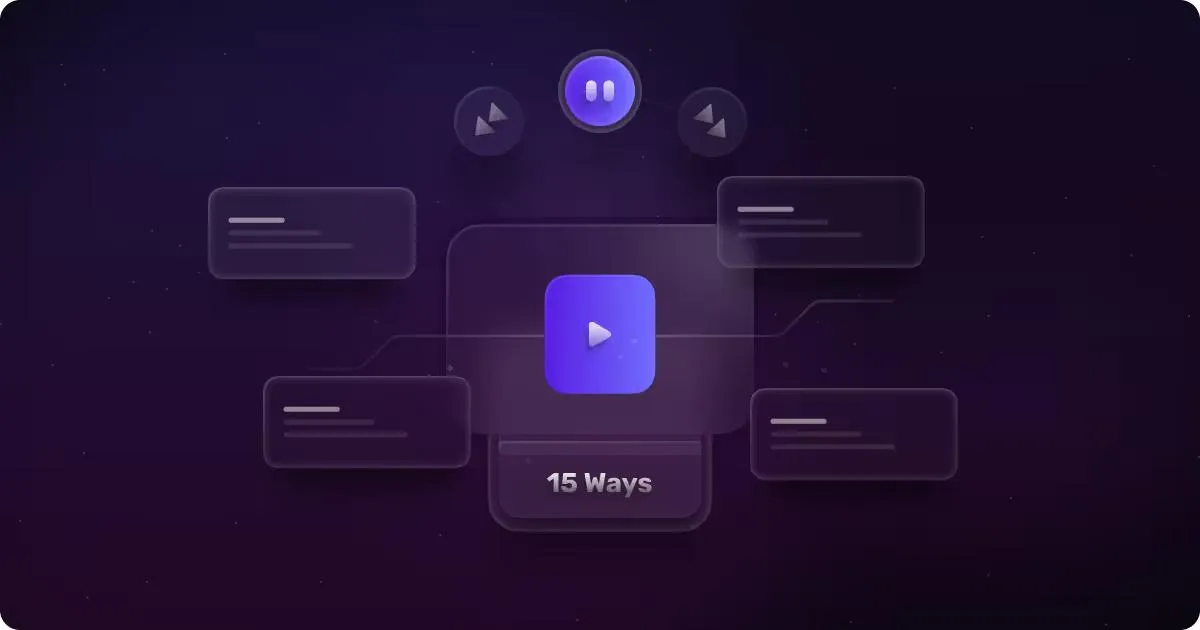
We've also collected 15 high-quality product demo videos in one article, with a breakdown of why each one works. It covers Slack, Notion, Semrush, HubSpot, Apple and others. Most of them come from companies with very large budgets, so use them for ideas and not as a guide to what yours should cost.
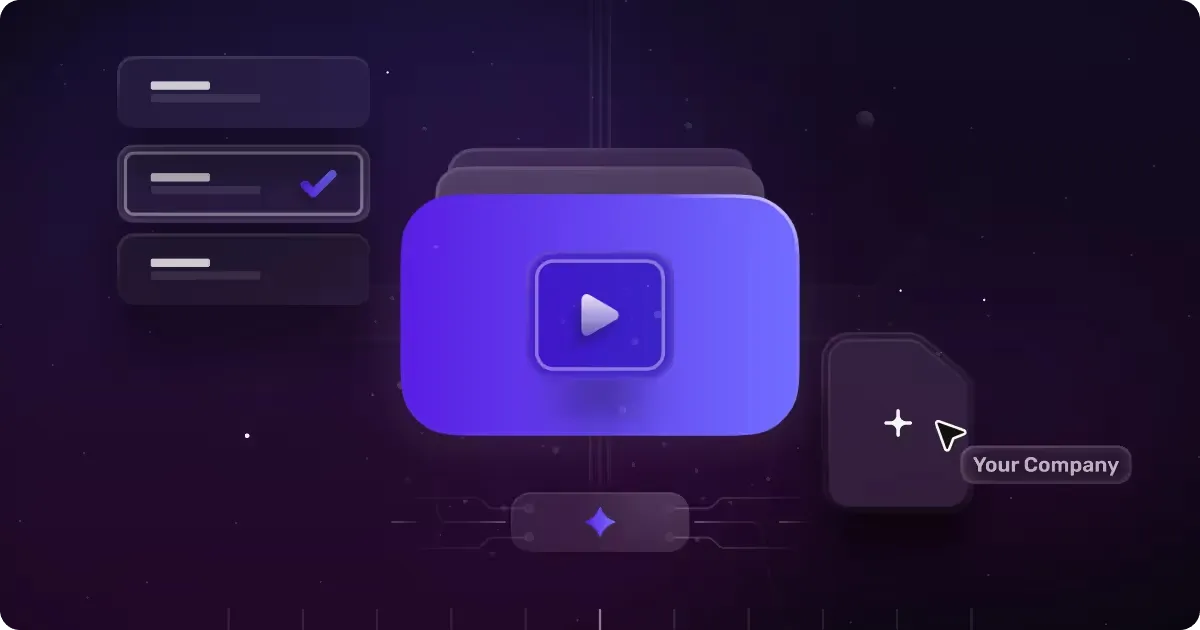
None of them show your product, though. Send us your URL and we'll animate one of your actual screens as a free sample within 48 hours.