What Makes an Explainer Video Effective and the Tools Behind It
table of content
Key takeaways
- Explainer videos make complex products easy to understand: They quickly show prospects what your product does, who it’s for, and why it matters, which is why they’re a core asset in SaaS and B2B marketing.
- They help prospects learn faster with less effort: Because the brain processes visuals far quicker than text, viewers grasp your value in seconds instead of minutes. This makes explainers perfect for busy decision-makers.
- They’re flexible across the entire funnel: Explainers can support awareness, consideration, onboarding, and sales, but they shine brightest in the consideration stage, where clarity drives conversions.
- Their effectiveness depends on the tools used to create them: Explainer videos aren’t magic, they rely on the right production tools.
- After Effects for clean motion, UI, and typography
- Blender / Cinema 4D for 3D elements
- Houdini or Maya for advanced simulations or characters
- Figma + AI tools for storyboarding, ideation, and fast iteration
Are explainer videos effective?
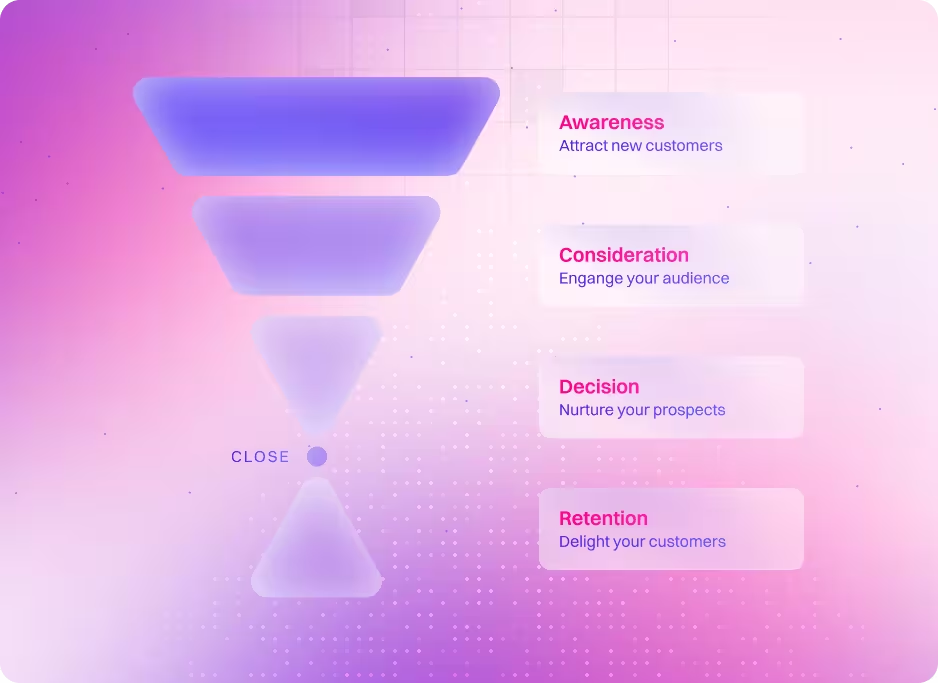
Right now, explainer videos are one of the most effective forms of video marketing because they help people understand your product faster and with less effort, making it easier for prospects to see exactly what they’re getting. Even if the general public doesn’t use the term “explainer video,” almost every industry relies on them—from SaaS to e-commerce to healthcare. They’re also incredibly flexible, since you can place them anywhere in the marketing funnel depending on your campaign goals. We’ve created explainers for awareness, consideration, onboarding, and sales enablement, but they tend to shine the most in the consideration stage, where clarity directly influences buying decisions.
But here’s where things get interesting. Are explainer videos always effective? Are there industry best practices that make them work better? Are there times when using an explainer video might actually be the wrong move? In this article, we’ll explore these questions, share top tips to make effective explainer video, and introduce the top explainer video software that can help you produce high-quality videos faster and smarter.
How people make an effective explainer video
Every explainer video project is different. The workflow, the style, the level of detail—even what makes it “effective”—can change from one project to the next. There isn’t one magic formula that works every single time. But what we can do is look at the things that consistently help explainer videos perform well across the industry.
So in this section, we’re keeping it simple. We’ll walk through the best explainer video software creators actually use to make explainer videos and share our top tips to make an effective explainer video. We’ll also break down the usual content structure that makes them successful. Think of this as a quick guide to understanding how great explainers are built and what you can take into your own project
Let’s start with the tools. We use several of these in our day-to-day workflow, including on explainer video projects for clients like Apollo.io and Planful. These tools help us speed up parts of the process, from concepting and storyboarding to visual exploration and production support.
Top 5 animation tools (in no particular order)
1. Adobe After Effects
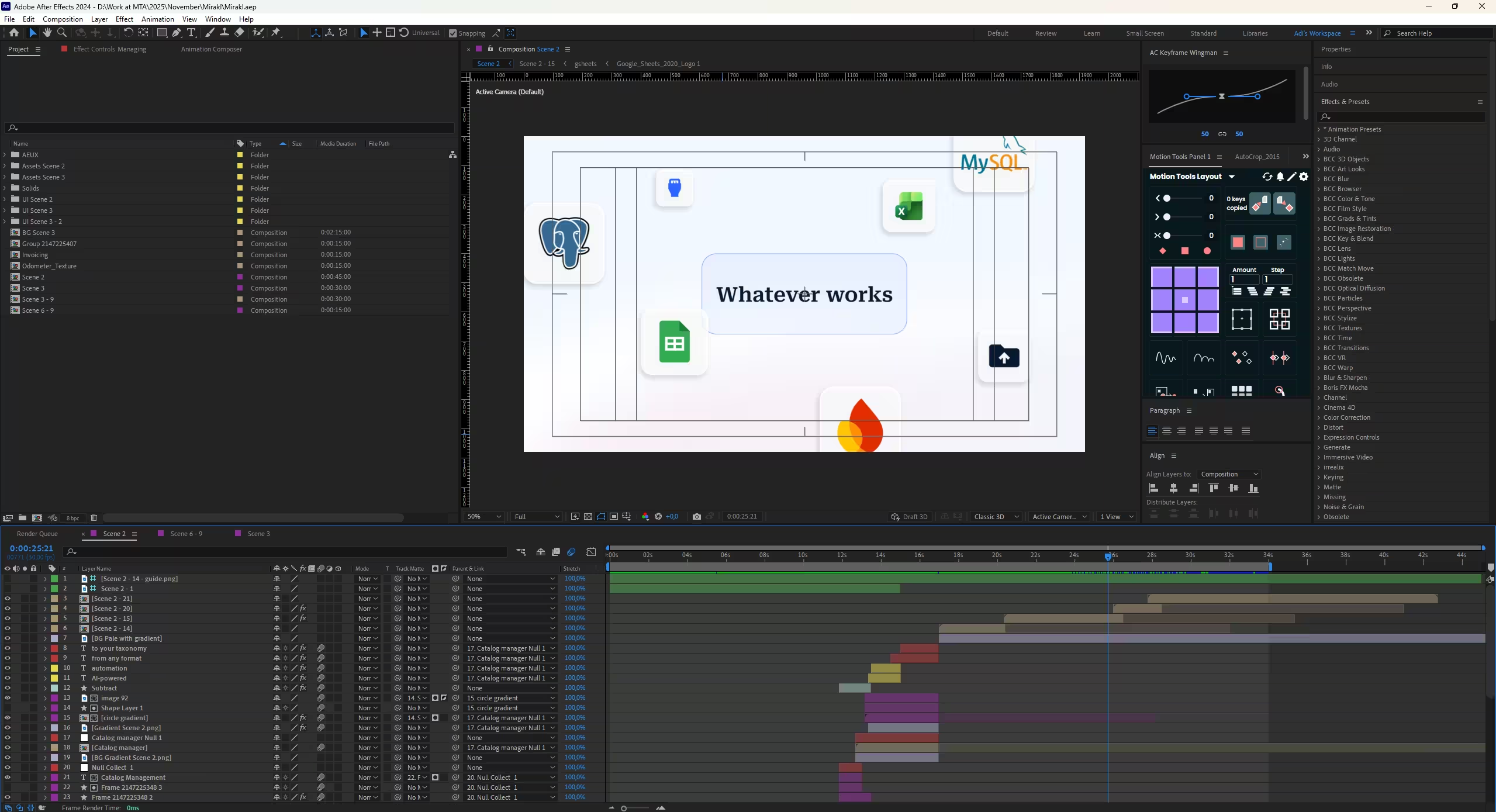
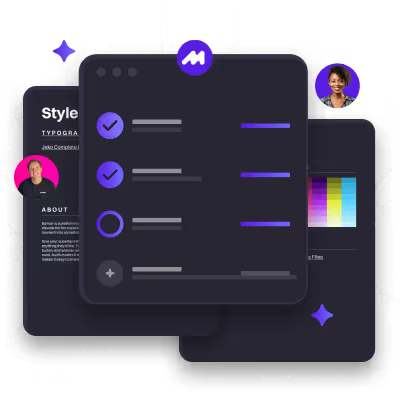
So this is the one tool we’ve been using since day one at Motion The Agency. Adobe After Effects is basically the industry-standard software for motion graphics, animation, and compositing. It’s where we build the visuals that bring explainer videos to life. We use it for everything from 2D animation and UI motion to typography, transitions, effects, and even light 3D work. The image above is actually a snapshot from one of our current After Effects projects.
Explainer videos depend on smooth motion, clean transitions, UI walkthroughs, icons, illustrations, and kinetic text, and After Effects handles all of this better than anything else. It gives us full control over timing, clarity, and visual storytelling, which is why it’s our go-to tool for creating polished, professional explainer videos that feel easy to understand and fun to watch.
2. Blender
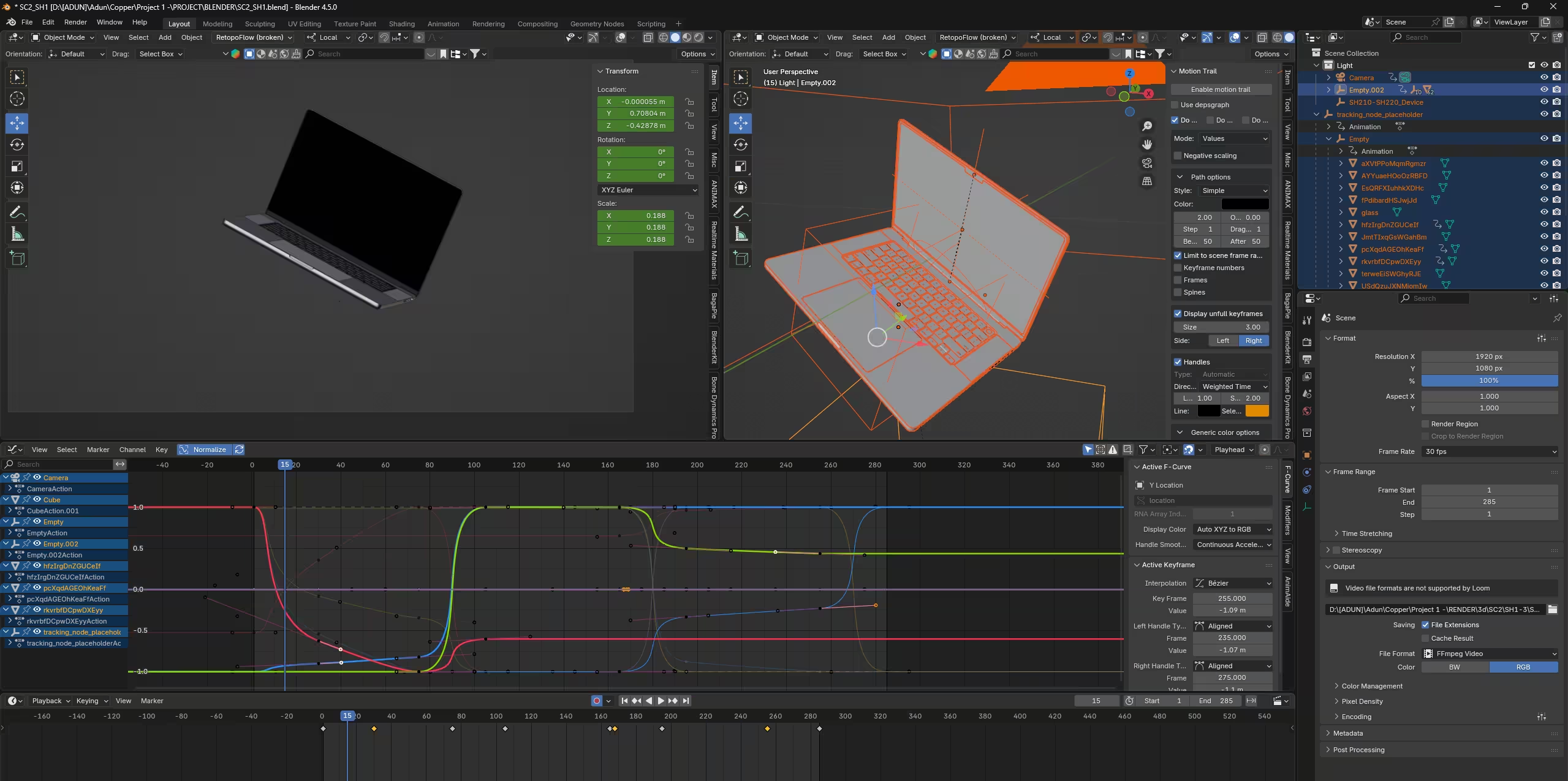
This is another tool we use almost daily at Motion The Agency, and the one we reach for most often on 3D projects. Blender powers many of our 3D animation projects, including 3D explainer videos, product visuals, and technical breakdowns. It’s a powerful all-in-one 3D creation tool for modelling, texturing, rigging, animating, lighting, and rendering. If After Effects is where we handle motion graphics and UI work, Blender is where we build anything that needs depth, realism, or physical form, from SaaS-style 3D UI to sports equipment to technical product breakdowns.
Blender is also perfect for product explainers, especially now that many SaaS brands are mixing 3D into their videos. It can handle 3D UI visualisations, product mockups, full demos, and technical callouts, making complex ideas feel simple and premium. Since it’s open-source, there are no licensing fees, which gives both studios and clients more flexibility. Need a new angle, colour, lighting setup, or material? You can change it without a full reshoot.
3. Cinema 4D
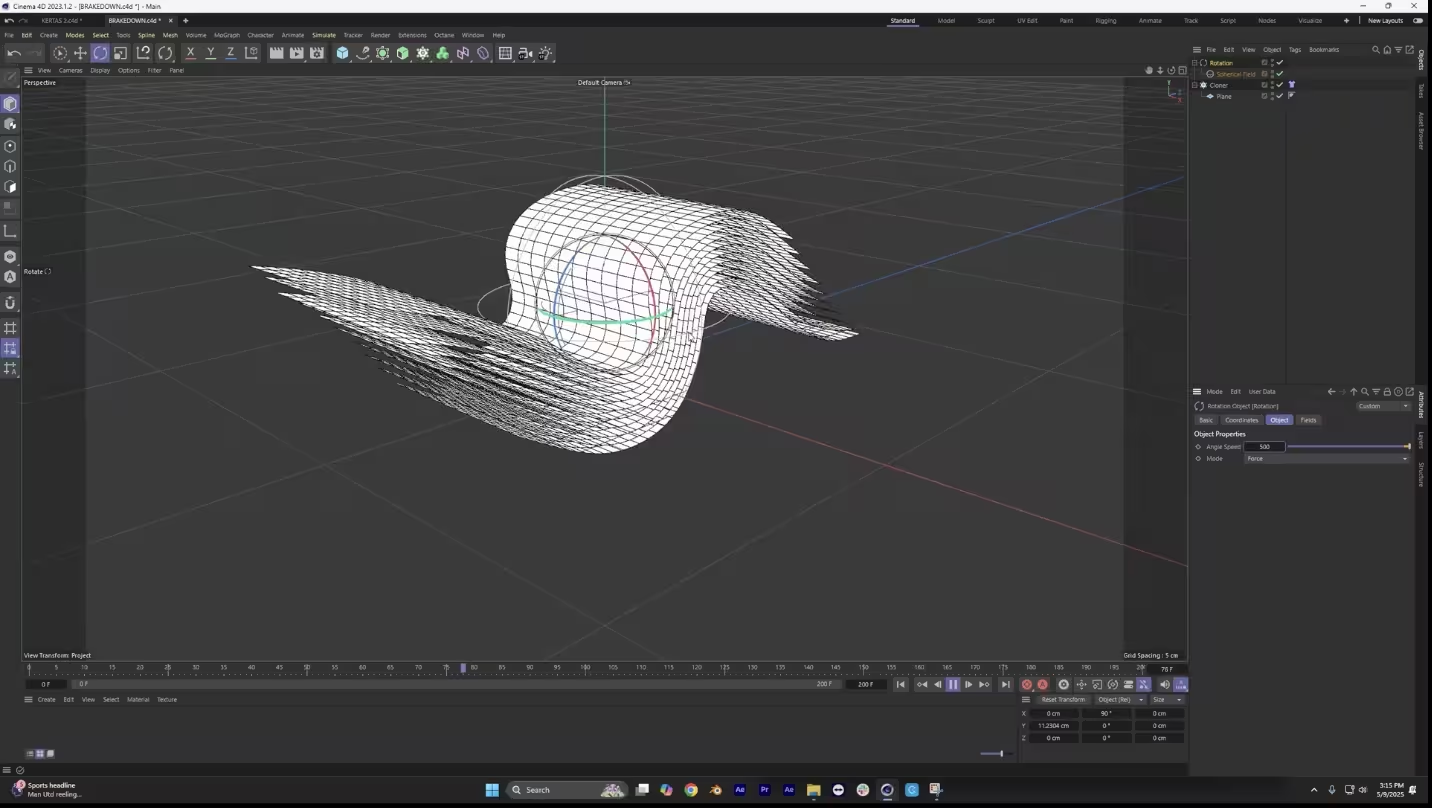
Cinema 4D is another tool we use a lot at Motion, especially when a project needs that clean, premium, super-polished look. We usually pick C4D for 3D SaaS explainers that need smooth UI animations or really refined product visuals. It’s huge in the motion design world, and it makes sense why. Blender covers most of our general 3D needs, but Cinema 4D really shines when we’re going for high-end branding, abstract motion graphics, slick 3D typography, or premium product animation. Whenever we want something that feels modern and stylish, C4D is the go-to.
It’s also just great for storytelling. C4D makes it easy to build abstract shapes, smooth 3D transitions, and UI elements with added depth. Plus, it’s perfect for logo reveals and stylized product shots. Overall, if you want an explainer video that looks clean, premium, and super intentional, Cinema 4D gives you all the control you need without slowing down the workflow.
4. Houdini
Now this is a tool our animation team knows well, and several of our artists are true experts, but we rarely use it. Houdini is basically the beast mode of 3D animation tools. It is known for its powerful procedural system that lets you build complex effects and simulations other software struggles with. Blender and Cinema 4D already cover most of our day-to-day 3D needs, so Houdini only comes out when a project requires big, dynamic, or deeply technical visuals. If the work does not call for next-level effects or advanced movement, we usually keep Houdini on the bench.
Even though Houdini is best known for feature films, it has some surprising strengths for marketing and explainer videos. It can make technical products look powerful, create beautiful system animations that fit perfectly with SaaS visuals, and deliver polished, high-end effects that stand out from typical 3D work. Houdini is especially effective for videos about AI, cybersecurity, cloud systems, engineering, finance, data, or any kind of high-tech hardware. In short, it adds a sense of scale and sophistication that can make a product feel bigger and more impressive.
5. Autodesk Maya
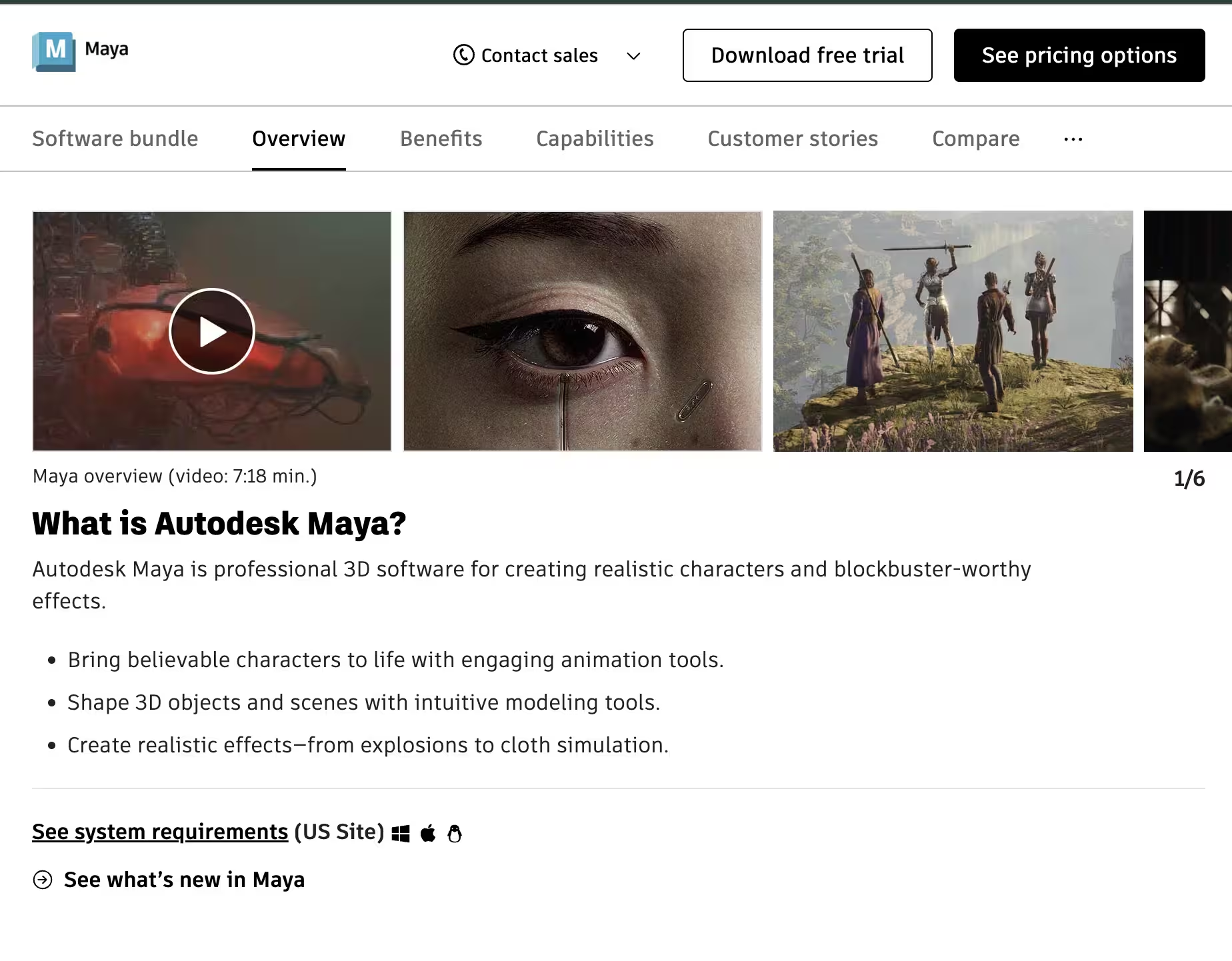
In our B2B vs B2C explainer video blog, we talk about how B2C brands often rely on character-driven storytelling to grab attention. That’s exactly where Autodesk Maya shines. Maya is the gold standard for character animation. If Blender is great for product visuals and Cinema 4D excels in motion design, Maya is the tool studios choose when movement needs to feel natural, expressive, and believable. At Motion The Agency, we rarely use Maya simply because most of our clients are B2B, and character animation isn’t usually part of their strategy.
Even though Maya is best known for movies and games, it’s still a strong choice for marketing content when you need characters or emotional storytelling. It helps make character-driven explainers feel more human, adds personality to a brand, and creates animation that looks smooth and expressive. It’s perfect for mascots, character guides, or story-based explainers. So if a SaaS company wants a friendly animated character guiding users through their workflow, Maya is often the tool behind the scenes.
So in short, every tools has their own pros and cons and what makes them shines.
Top 5 tips to make an effective explainer video.
A great explainer video isn’t luck. It comes down to a few key ingredients that make the message clear, engaging, and easy to understand. Here are the five elements every strong explainer video gets right — and the ones we use at Motion The Agency.
1. One clear message
The best explainer videos focus on one core idea instead of trying to cover everything at once. When the message is simple, viewers remember it more easily and understand the value faster. If they can repeat your main point in one sentence, you nailed it.
2. A conversational, human script
Your script is the backbone of the entire video. A friendly, natural tone helps people stay engaged and actually enjoy the explanation. Avoid jargon and talk to your audience the way a human would, making the message feel approachable instead of complicated.
3. A strong hook in the first 5 seconds
Attention disappears quickly, so the intro needs to grab viewers right away. Start with a relatable pain point, a bold statement, or a visual that sparks curiosity. A solid hook keeps people watching long enough to hear the rest of the story.
4. Simple and clean visual design
Good visuals make your message easier to understand, not harder. Use clean layouts, purposeful animations, and designs that guide the viewer’s eye step by step. When visuals support the story instead of overwhelming it, everything becomes clearer.
5. A clear CTA
Once viewers understand the product, they need direction. A strong CTA tells them the exact next step, whether it’s booking a demo, signing up, or exploring more features. The goal is to keep the momentum going and turn understanding into action.
When not to use an explainer video (and why it matters)
Although explainer videos are incredibly versatile, we keep saying this for a reason. Every campaign, product, and project has its own goals, its own audience, and its own way of communicating. And that means there are situations where an explainer video simply isn’t the best fit. It doesn’t happen often, but it’s important to know when the format might not be ideal so you can choose the right type of content for the job.
When a demo works better than an explainer video
If your product is brand new or the category is unfamiliar, people often need to see the real thing before any animation makes sense. A real demo shows the interface, the flow, and the “aha” moment much faster than a conceptual explainer. Once people understand the basics, then an explainer becomes useful.
When your audience needs human trust, not animation
Some industries rely on trust before anything else, especially when decisions impact health, finances, or personal well-being. In these cases, real faces, real experiences, and real voices build credibility much faster than motion graphics. If your audience needs reassurance more than information, live action wins every time.
When the message depends on emotion, not explanation
Explainer videos are designed to clarify, not to evoke deep emotion. If your message requires nuance, human expression, or storytelling that makes people feel something, animation can dilute the impact. Emotional fundraising campaigns, lifestyle ads, and culture-driven branding almost always perform better with human-centric visuals.
When your product is too simple for a full explainer
If the concept is straightforward, a long explainer may feel unnecessary or even drag down engagement. In these cases, a short 15–30 second clip or a clean hero animation communicates the value instantly. You save time, money, and keep the message sharp and punchy.
So now that we’ve gone through everything, the big question is: are you ready to create your own explainer video? If you’re thinking about it, feel free to check out our explainer video service page and book a call with us. We’d love to hear your ideas and help turn your vision into something real, clear, and exciting for your audience.
FAQ

Syarafina Kuswahyuni
Syarafina Kuswahyuni is a content marketer at Motion The Agency, where she covers explainer video production, motion design trends, and video marketing strategy for SaaS brands. She has worked alongside Motion's animation team on projects for clients including ClickUp, Apollo.io, and HackerRank

In just a few questions, get a tailored estimate for your next video project.



Contact Us
Ready to elevate your brand? Contact us for your
Free Custom Video Sample